DreamEcho Home Base & Memory Shop
Make the dream Home a workshop—not a junk drawer—after every wake.
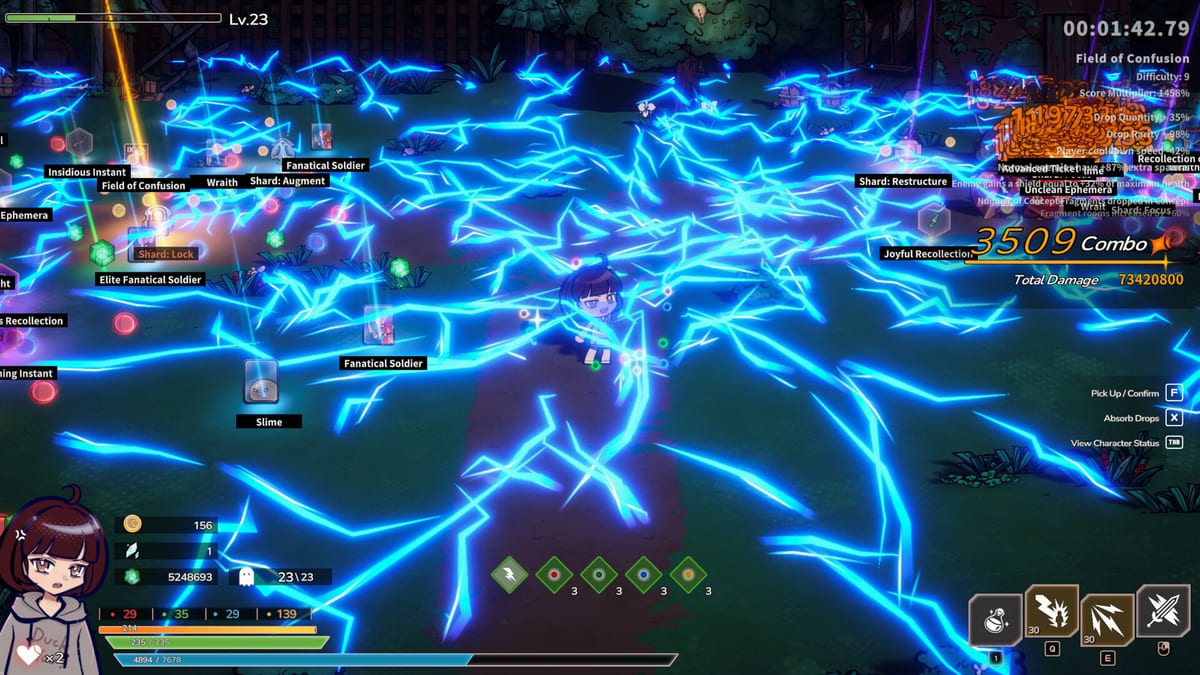
Between nightmare runs, DreamEcho returns you to the dream Home—the quiet hub where HotWaterStudio wants you to refine Memories, prepare Concepts for the next sleep, and (after launch patches) use Memory Shop tools like salvage without deleting your loadout by accident. This guide is the practical Home manual that sits beside Memories meta and Getting Started.
Siblings: Friend Memory exchange, Dream runs. Hub: Guides Hub.
What Home is for
Home is not a multiplayer lobby. It is a meta workshop: decorate and combine Memories so preferred Concepts appear more readily in future dreams, review what you woke with, and set intentions before the next dive. Lore-wise, a companion waits here; systems-wise, this is where offline accrual and friend trades eventually pay off.
Pre-dream Home checklist
- Confirm the Concept thesis you will chase (Build checklist).
- Equip or pin the Memories that define that thesis.
- Favorite anything you refuse to salvage.
- Clear junk only through salvage after favorites are set (see 0.1.0h notes on Patch notes).
- Glance at Wish List goals if you are testing someone else’s list (Wish List).
Memory Shop & salvage (post-0.1.0h)
HotWaterStudio fixed salvage so it should skip Memories that are equipped or marked favorites. Still treat salvage as irreversible: favorite first, salvage second. Rounding display bugs on salvage comparisons were also patched—if a tooltip looks off, update the client before mass recycling.
Decoration without losing function
Decoration is part of the fantasy, but function wins. Keep a “serious” Memory row for the active archetype—summon, melee, or ranged—and a sandbox row for experiments. When patches retune named Memories (Panacea, Blood Blade, Pure Heart, etc.), re-read tooltips in Home before assuming old crafts still hold.
Offline accrual and returning to Home
Memories can gather while you are away from the client. When you return, process them in Home intentionally: sort, favorite, socket relevance, then salvage. Skipping Home after a long offline gap is how inventories become illegible before the next dream run.
Controller in Home menus
Full controller support includes hub navigation, but launch hotfixes already touched several pad prompts. If a panel feels stuck, update before rebinding blindly (Controls).
Linking Home to combat identity
Home decisions should name an archetype. “I am refining for swarm uptime” maps to Summon build. “I am stacking close-range mitigation” maps to Melee. “I am stabilizing projectile delivery” maps to Ranged. Vague Home crafting produces vague dreams.
Common Home mistakes
- Salvaging before favorites existed (pre-fix anxiety—still be careful).
- Treating Home as optional fluff between rushed runs.
- Copying a Wish List without stocking the Memories it assumes.
- Ignoring patch notes that mention Memory Shop, corruption duplicates, or display tiers.
Closing
The story sells a Home that waits after cold nightmares. Mechanically, that wait is your edge: refined Memories, safe salvage, and a thesis you can explain in one sentence. Make tea (or coffee), sort the dream attic, then sleep with purpose.
When LonelySnow’s roadmap expands Home further, this page will grow; until then, pair it with Patch notes after every Memory Shop bullet.
Frequently Asked Questions
Quick answers to the most common DreamEcho questions.
Can Memory Shop salvage delete equipped Memories?
As of patch 0.1.0h, salvage should ignore equipped and favorited Memories. Favorite critical pieces before bulk salvage anyway.
Is Home multiplayer?
No. Home is a solo meta hub. Friend features happen through Memory exchange and Wish Lists, not shared instances.
What should I do in Home after a long offline period?
Sort new Memories, favorite keepers, align them to your next build thesis, then salvage junk.
Where do I learn Memory basics first?
Read the Memories meta guide, then return here for Shop/salvage and Home workflow details.