DreamEcho on Steam: Features & Quirks
Cloud, pads, leaderboards, and Deck notes so platform friction does not ruin a good dream.
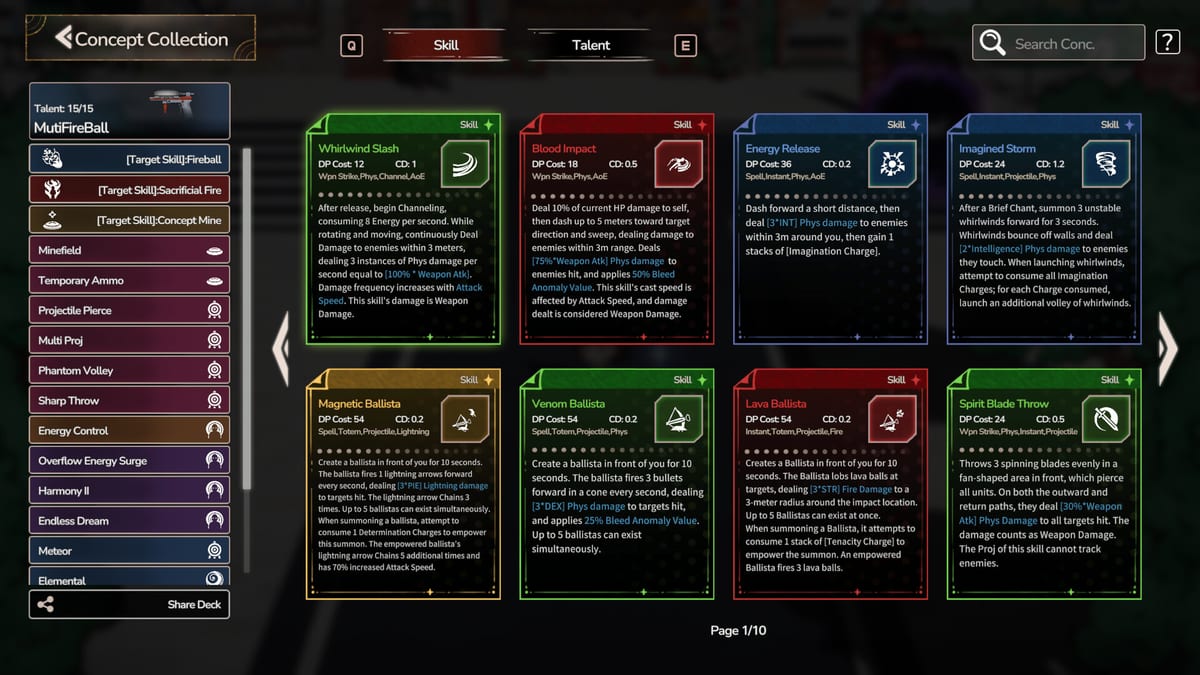
DreamEcho ships as a Windows Steam title from HotWaterStudio with several platform hooks that affect daily play. This tools page collects those hooks—Steam Cloud, achievements, full controller support, Abyss leaderboard scoring, and early Steam Deck video caveats—so you spend less time fighting the client and more time combining Concepts.
Related: System requirements, Build checklist, Patch notes. Hub: Tools Hub.
Steam Cloud
Cloud support means progress can follow you between PCs when Steam sync succeeds. After large Memory libraries, watch for long boot times—LonelySnow noted the game currently reads all save data at startup (planned future fix, called out in 0.1.0h). If switching machines, allow Cloud to finish before launching a second copy.
Achievements & family sharing
The store lists Steam Achievements and Family Sharing. Achievements should not dictate your first Concept thesis—finish Getting Started before hunting completionist goals.
Full controller support
Pad play is first-class on Windows. Launch hotfixes already repaired Damage Statistics continue prompts, skill selection after talent replacement, and other UI freezes when skill backpacks exceed eight. See Controls for practical bind habits.
Abyss leaderboard (scoring rewrite)
Patch 0.1.0e rebuilt Abyss scoring around difficulty multiplier, rooms cleared, and clear time only, with new scores slightly higher than the old formula. False cheat flags that blocked uploads were addressed in 0.1.0c. Competitive players should discard spreadsheet comparisons that mix pre/post rewrite runs (Patch notes).
Steam Deck & tutorial videos
Notes for 0.1.0g/h describe tutorial video playback problems on Steam Deck and a reverted Deck-specific video fix that caused worse bugs. Deck verification is on you—the store compatibility field may still read uncertain. If videos fail on Deck, watch the launch trailer on another device via DreamEcho review and keep playing with How to Play open.
Performance hygiene
Late-game enemy damage was reduced multiple times; log spam cleanup may help FPS slightly. Still start from System requirements before blaming a summon swarm for frame time.
Social Steam features
Friend Memory exchange and Wish List sharing use Steam identity but do not create multiplayer instances (Friend Memory exchange, Wish List).
Closing checklist
- Update the client before reporting bugs.
- Let Cloud settle when swapping PCs.
- Re-baseline Abyss scores after 0.1.0e.
- Treat Deck video tutorials as optional.
- Keep Discord/Steam news bookmarked (Community).
Platform quirks fade; Concepts and Memories remain the fantasy. Use this page when Steam itself is the obstacle, then return to Guides for the dream.
Pre-session Steam checklist
- Client updated (check patch letters on Patch notes).
- Cloud idle—no conflicting launches.
- Controller detected if you play on pad (Controls).
- Abyss goals written with post-0.1.0e scoring in mind.
- Deck users: alternate tutorial plan ready (wiki guides + trailer on another screen).
When to stop blaming Steam
If Cloud is fine, pad works, and scores upload, but runs still feel weak, the issue is probably Concepts or Home hygiene—not Steam. Jump to Build checklist and Home base. Tools pages exist to separate platform friction from build friction so you do not buy a new GPU to fix an unread Memory board.
Keep this hub page bookmarked beside System requirements. Together they answer “can I run it?” and “is Steam fighting me?” so Guides and Builds can answer “how do I dream better?”
Frequently Asked Questions
Quick answers to the most common DreamEcho questions.
Does DreamEcho support Steam Cloud?
Yes. Large save libraries may still slow startup until a future optimization ships.
Is controller support complete?
Steam lists full controller support; several pad UI bugs were hotfixed in early 0.1.0 patches.
Why did my Abyss score rules change?
Patch 0.1.0e rewrote scoring to difficulty, rooms cleared, and clear time only.
Is Steam Deck fully verified?
Treat Deck as verify-yourself territory; tutorial videos have known issues in early patches.